What to look for in this reference
01
Multiple panels do not need equal attention
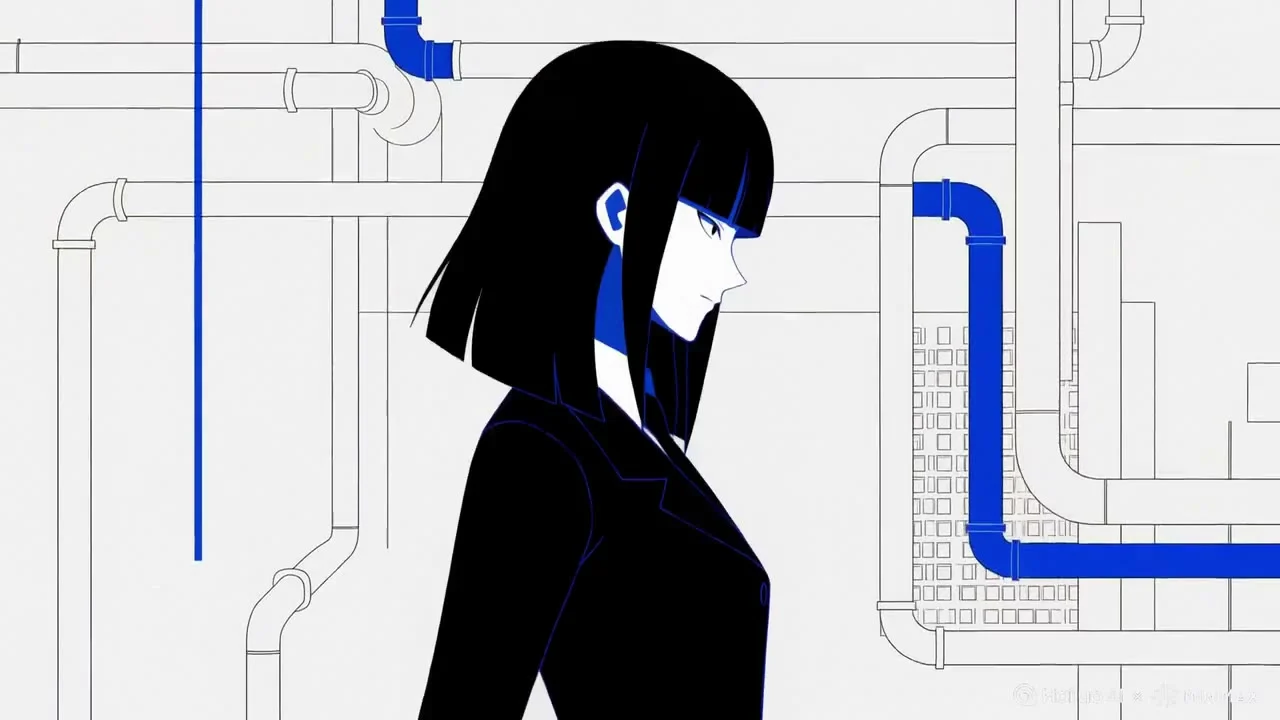
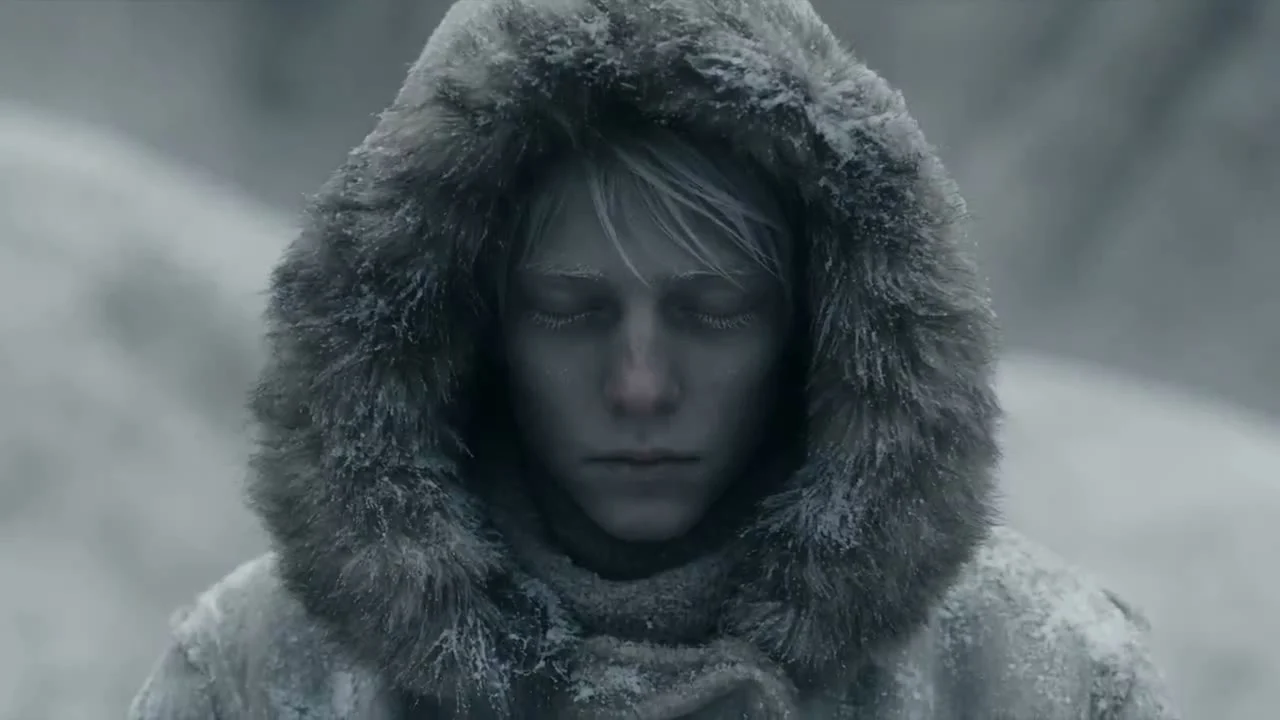
The reference frame shows a character alongside graphic details. In your own split-screen layout, decide which area should draw attention first.
02
Connect actions, not just cuts
Check the character’s position and orientation in adjacent shots. Clear directional relationships help viewers follow a continuous action.
03
Build emphasis around specific events
A name appearing, an action ending or a result being revealed can anchor the rhythm. With spoken dialogue, Hypit’s semantic anchors can connect graphics to the relevant words.
Plan a similar production with Hypit
This is a suggested approach. Execution depends on your assets, model services and project environment.
- Give each panel a purpose and limit the number of simultaneous visual focal points.
- Build a rough cut without effects and check direction and action across shots.
- Connect graphic reveals to specific story events, and to the corresponding words when dialogue is present.
- Review normal playback, silent playback and transition frames separately, removing decorations that compete for attention.
Give your agent this brief
Prepare your own assets and adapt the product, aspect ratio and budget. The brief asks for approval before paid generation.
/hypit Use the attached multi-panel composition as a reference for a rhythmic short featuring my original character. Identify the main and supporting areas in the reference, then redesign the layout for my content. Give each section one primary visual focus. Start with a composition without effects, then add names, keywords and sound. Where there is dialogue, connect graphics to the relevant words. List the required assets, models and costs, and wait for approval before execution.