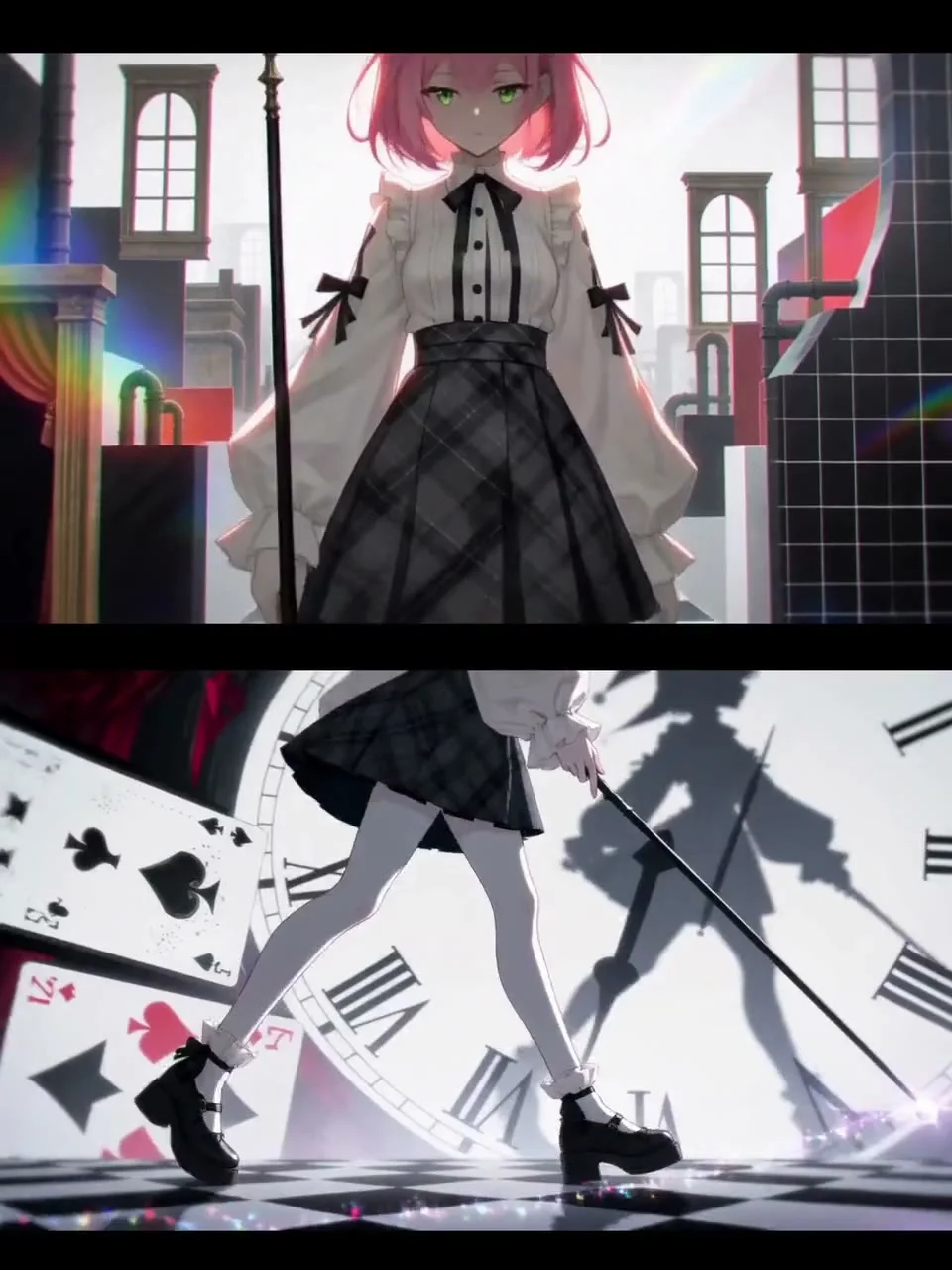
What to look for in this reference
01
Choose one clear focal point
The eye close-up occupies most of the frame, making texture and color the focus. Similar short films benefit from limiting how much information appears at once.
02
Check the crop on a phone
Cropping landscape footage into portrait can remove key actions. Confirm the target aspect ratio before composition rather than leaving the crop until the end.
03
Share the frame between text and detail
Captions over a highly detailed area may be hard to read. Add an appropriate background behind the text, or show a title separately during a quieter moment.
Plan a similar production with Hypit
This is a suggested approach. Execution depends on your assets, model services and project environment.
- Choose the destination platform and aspect ratio, then mark safe areas for captions and interface overlays.
- Prepare a clear subject reference and specify shot size, lighting and the main movement when generating.
- Check the pupil, eyelashes and skin texture for stability. Reject footage with obvious deformation.
- Add a separate title layer in Hypit and check its size and reading time at actual phone dimensions.
Give your agent this brief
Prepare your own assets and adapt the product, aspect ratio and budget. The brief asks for approval before paid generation.
/hypit Use the attached vertical close-up as a reference for a 9:16 visual opening. Work with the reference image I supply and have permission to use. Do not add unsupported product claims. Organize the image around one detail and leave a safe area for captions. First propose the framing and storyboard, then explain generation requirements and budget. Compose the titles and footage in Hypit, checking small-screen readability, subject detail and how the opening connects to the ending.