What to look for in this reference
01
Fix the identifying details first
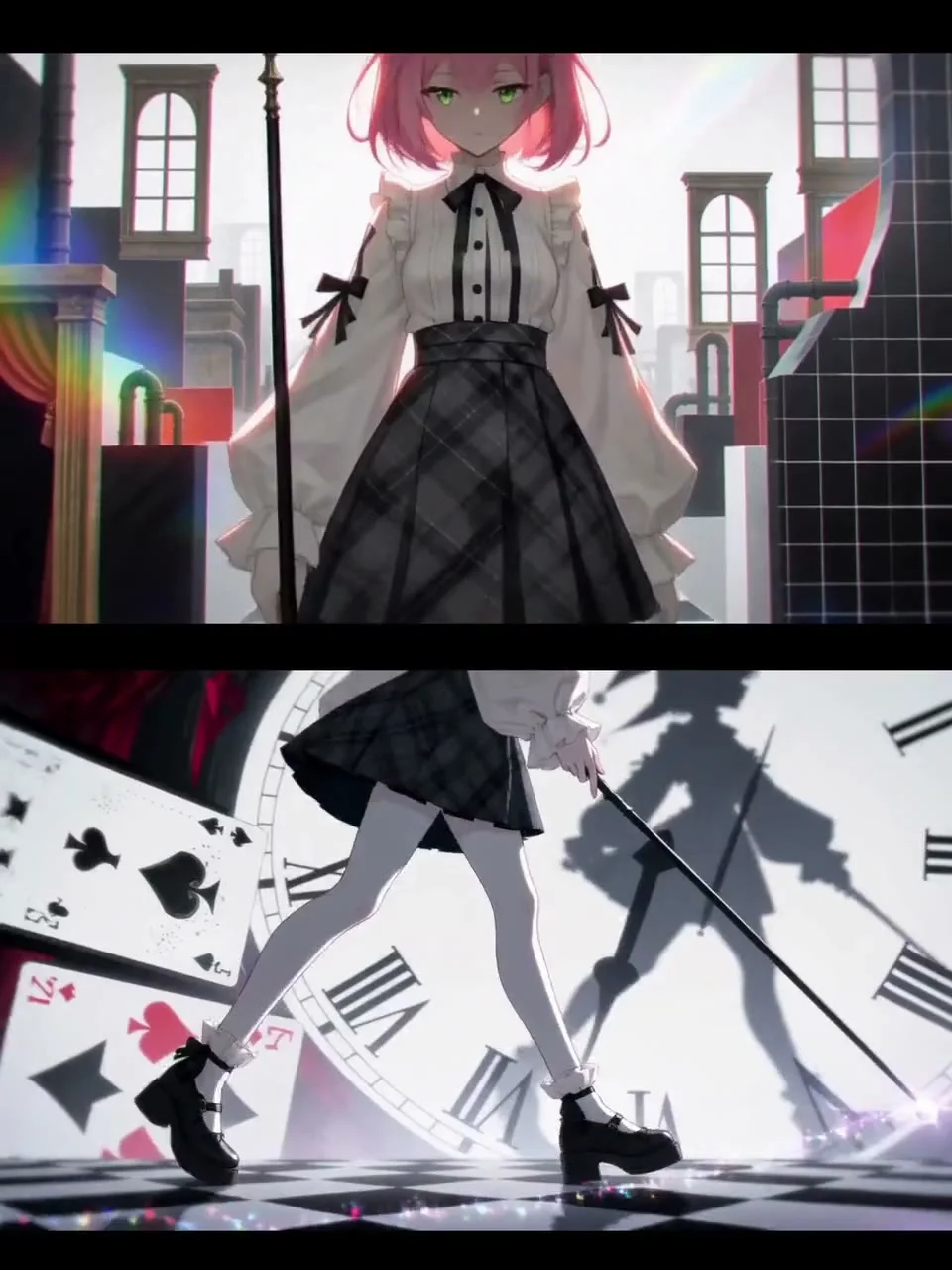
In the reference cover, light hair, dark clothing and the weapon silhouette create recognizable features. Record the equivalent details in a design sheet for your own character.
02
Use details to change viewing distance
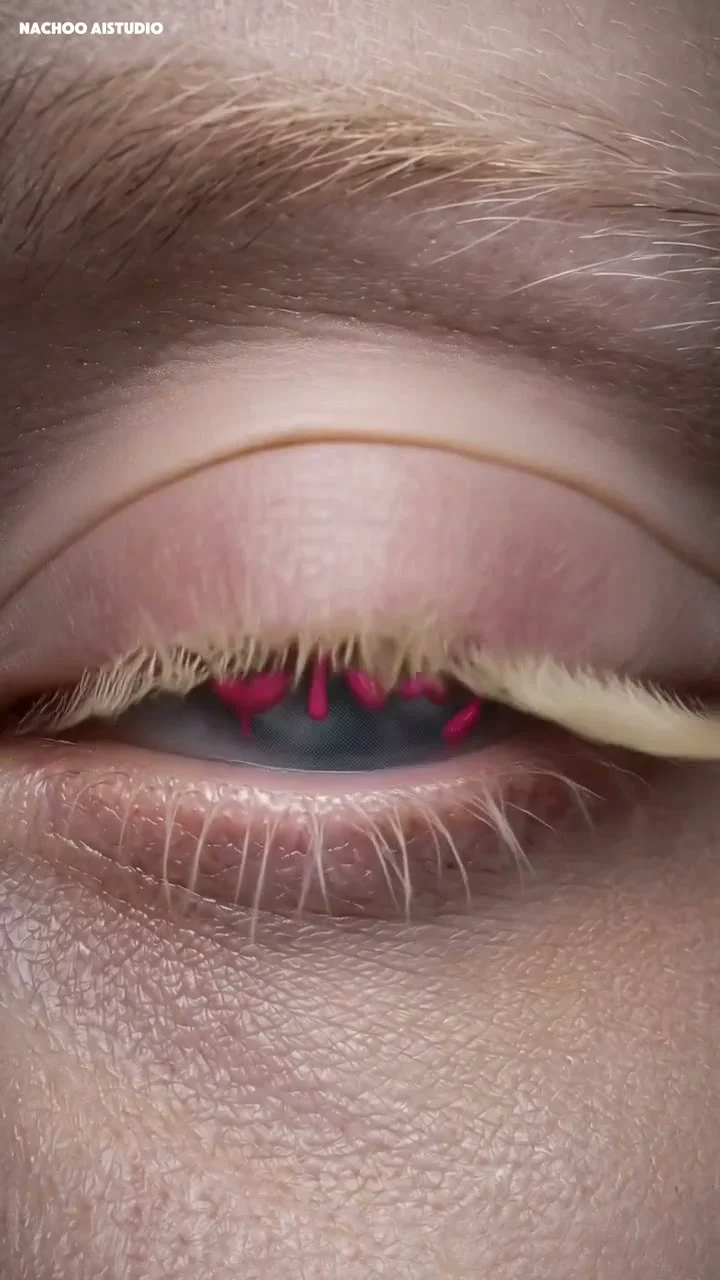
A full-body shot establishes the silhouette, while details such as the eyes express emotion. Note what each shot size contributes instead of simply copying the number of cuts.
03
Let graphics support the character
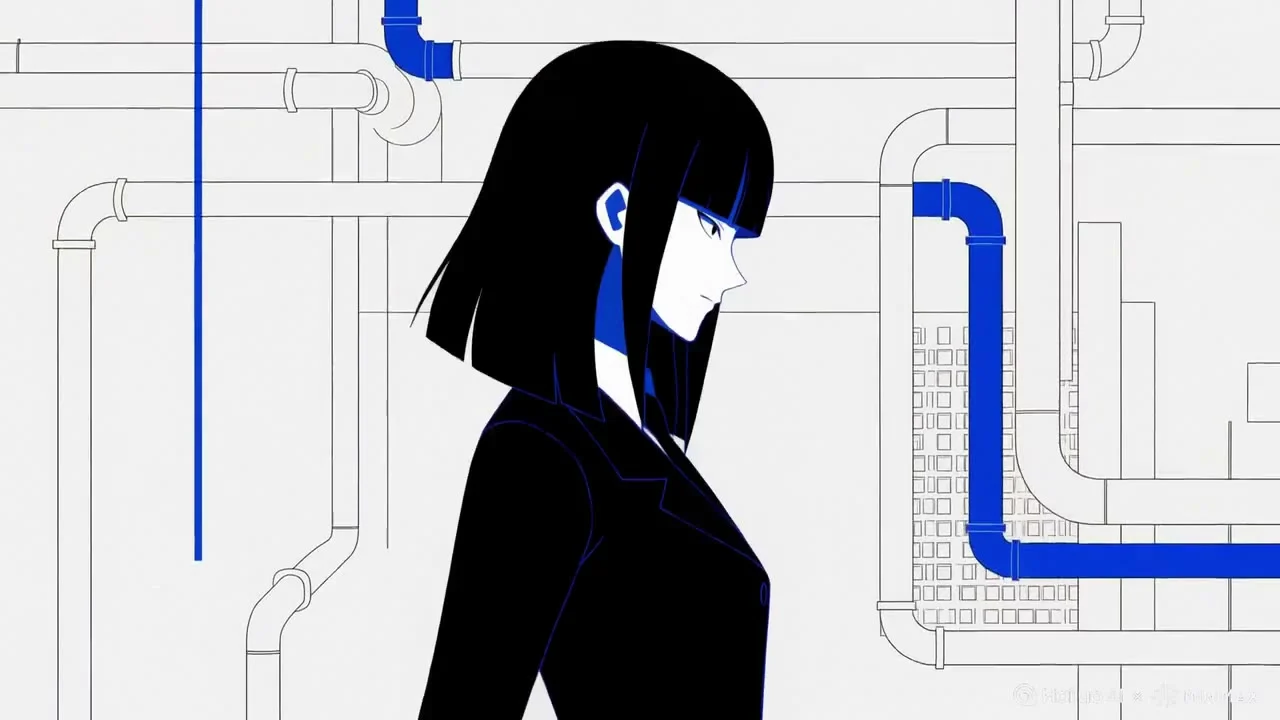
Lines and background decoration can reinforce the style, but the character’s outline must stay legible. Check the still composition before adding animation.
Plan a similar production with Hypit
This is a suggested approach. Execution depends on your assets, model services and project environment.
- Use an original or licensed character design, with front, side and any necessary detail references.
- Lock the hairstyle, clothing and palette, then plan full-body, medium and eye-detail shots.
- Review character footage individually. Accept suitable shots before adding caption, graphic and sound layers.
- Arrange the entrance in Hypit, then inspect the first frame, transitions and final frame for character consistency.
Give your agent this brief
Prepare your own assets and adapt the product, aspect ratio and budget. The brief asks for approval before paid generation.
/hypit Create a 12-second intro for my original character. Borrow the changes in shot size from the attached reference without using its character design. First list the hairstyle, clothing, colors and props that must remain consistent. Plan a full-body entrance, a detail shot and a final name card. Keep captions, decorative graphics and sound effects separate from the character footage, and compose them in Hypit. Submit a storyboard and cost estimate, then wait for my approval before paid generation.